

Review and edit a transcript
Open a row from My Transcriptions. The page shows the recording at the top, the speaker-labeled transcript in the center, and speaker tools plus suggested actions on the right.
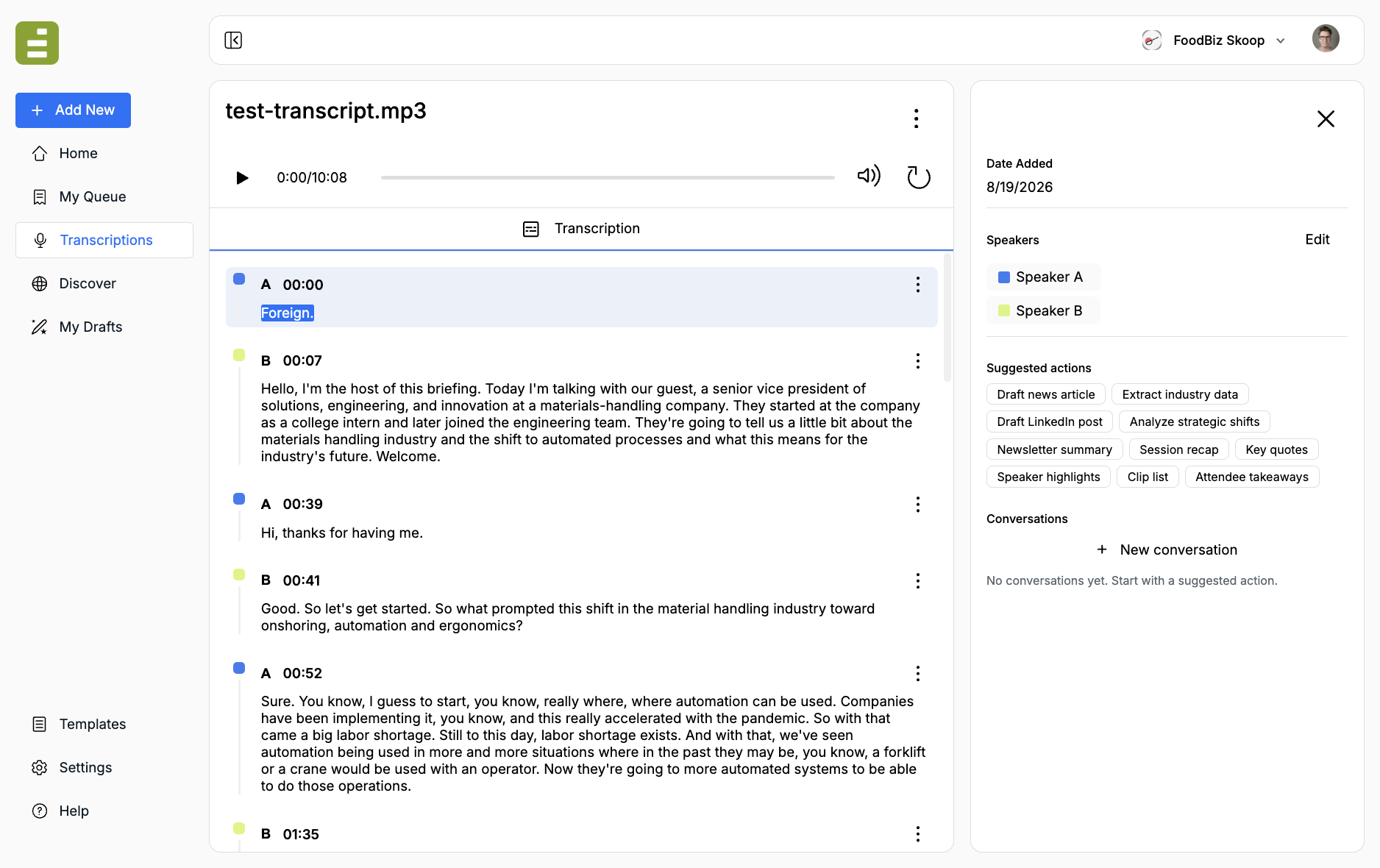
Rename the file before you share it. Use the three-dot menu next to the title, then Edit Name.
Play and seek
Section titled “Play and seek”The player sits under the title. Click Play to hear the original file. As playback runs, the current utterance and word stay in view.
Click a timestamp next to a speaker name to jump to that moment. Click a word in the transcript to seek to that word.
Rename speakers
Section titled “Rename speakers”The first pass labels speakers as Speaker A, Speaker B, and so on. Rename them in the right panel before you ask Jo for a recap. Attribution in later drafts depends on these names.
- In the Speakers list, click Edit
- Replace each label with the real name
- Save
You can also reassign one utterance at a time. Click the speaker letter on that block, or open Utterance actions and choose Reassign.
Fix the wording
Section titled “Fix the wording”The automatic transcript is a first draft. Correct names, numbers, and product terms before you generate a story from it.
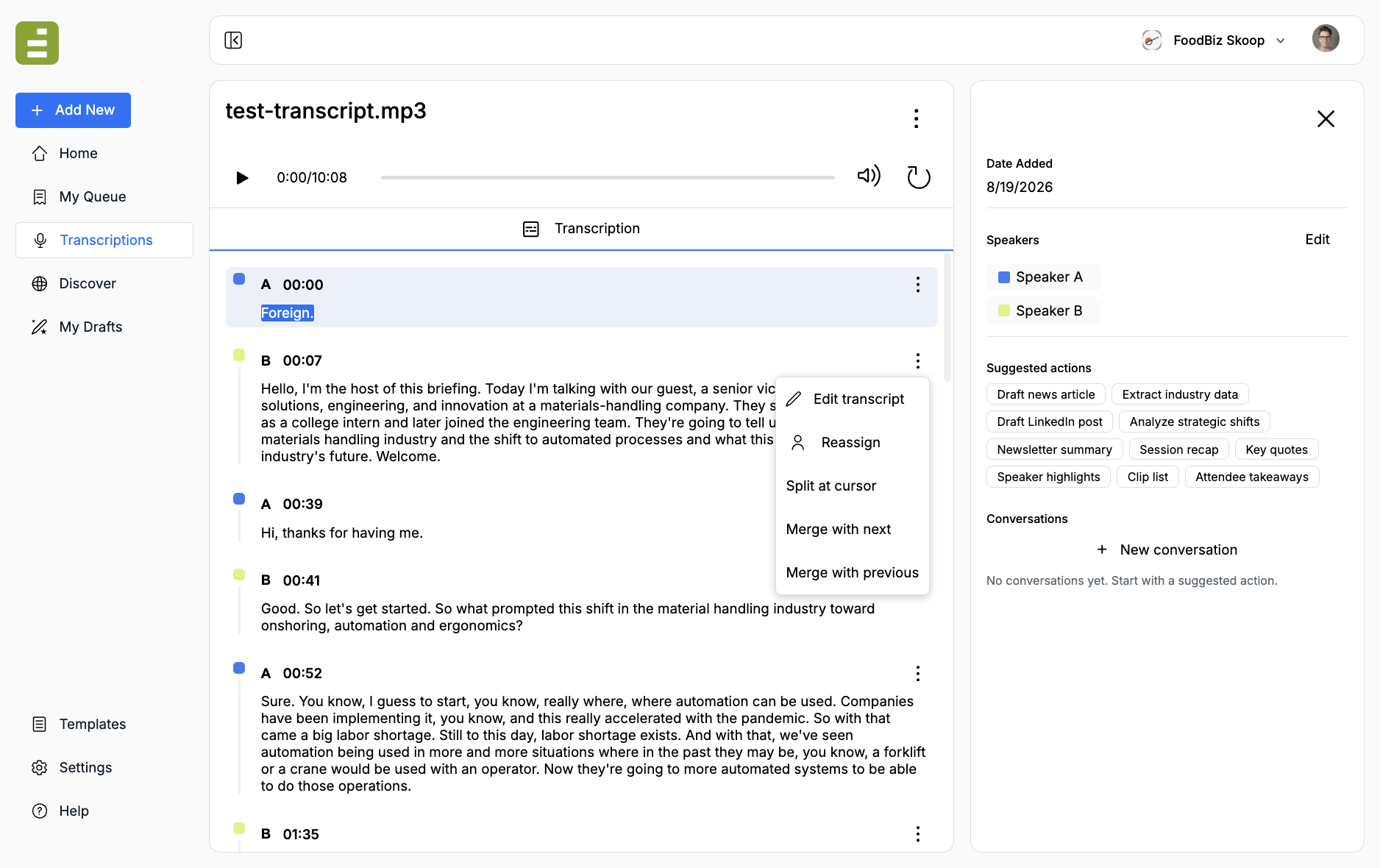
Open the three-dot menu on an utterance:
- Edit transcript: Change the wording. Save from the bar at the top of the list.
- Reassign: Move the block to another speaker, or create a new speaker label
- Split at cursor: Break one long block into two at the cursor
- Merge with next or Merge with previous: Combine adjacent blocks that belong together
While you are editing, playback pauses. Cancel discards the draft. Save writes the change back to the transcript.
Export or download
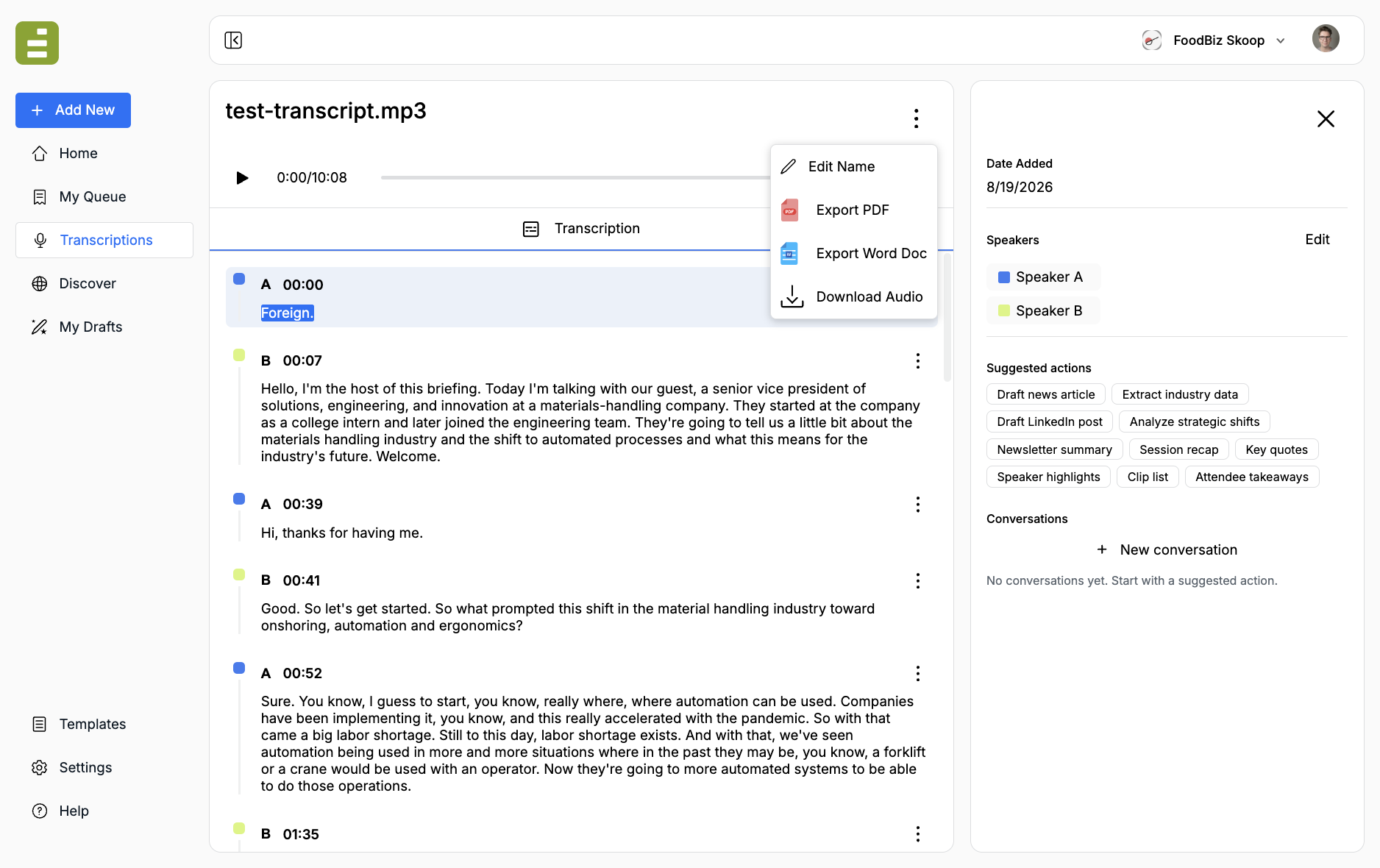
Section titled “Export or download”From the title menu you can:
- Export PDF
- Export Word Doc
- Download Audio or Download Video, depending on the original file
From My Transcriptions, the row menu can also Download, Rename, or Delete. Deleting removes the item from the list. Contact support if you need a restore.
Once speakers and wording look right, use Ask and draft to pull quotes or send a recap into Content Studio.