

My Queue overview
My Queue is the proofing ground for content Jo writes from a template. Pieces stay here until someone on the desk has looked at them. They are not drafts yet.
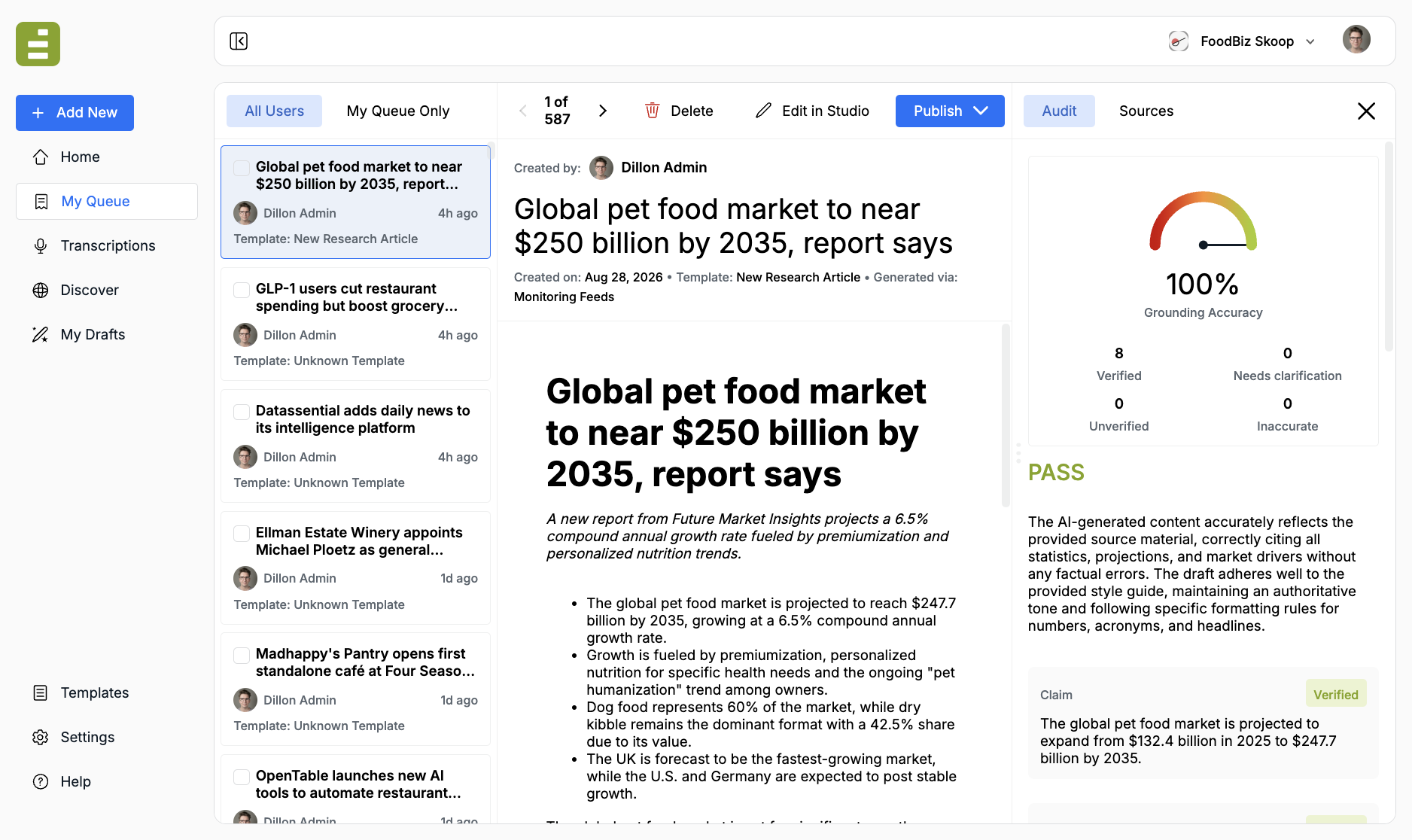
Open My Queue in the left navigation. The list is organization-wide. My Queue Only limits it to items assigned to you.
Queue vs drafts
Section titled “Queue vs drafts”| My Queue | My Drafts | |
|---|---|---|
| What it is | Unreviewed AI output | A draft someone owns |
| How it got there | A monitoring feed, an email alias, or another automatic template run | You created it, or you opened a queue item in Studio |
| What you can do | Read, audit, publish, or open as a draft | Edit in Content Studio, chat with Jo, change sources |
The split is intentional. Discover feeds often create stories on their own from that day’s findings. Those land in the queue so they do not mix with drafts you started, or with pieces you already claimed from the queue.
A queue item stays in My Queue until you Edit in Studio or publish. Opening it as a draft removes it from the queue and adds it to My Content with status Draft. Publishing removes it from the queue as well.
Manual template runs from chat, transcription excerpts, and Create New documents skip the queue. They go straight to My Drafts.
How items arrive
Section titled “How items arrive”The review header shows Generated via:
- Monitoring Feeds — a Discover feed ran an allowed template
- Forwarded via Email — someone sent mail to an email alias
- Linked Template — a parent run produced a child piece
Each card also shows who created it, when, and which template ran.
Empty queue copy points you to Discover. If the list is empty, Jo has not produced anything that still needs a look.
Review and publish covers the audit, opening a piece as a draft, and sending it to the CMS from the queue.