

Integrations overview
This section is for IT, operations, and newsroom systems people. Editors use the connections you set up. They do not configure them.
Org admins manage integrations under Settings. Secrets are stored encrypted server-side and masked when someone opens the form again.
There are three connections, and they do different jobs.
| Connection | Settings page | Direction | What it is for |
|---|---|---|---|
| CMS publishing | Settings → CMS Publishing | Edisource → your CMS | Create or update a post in Ghost, WordPress, Drupal, Brightspot, or Parameter1 |
| Content fetching | Settings → CMS Publishing (the Content Fetching card below the credentials) | Your archive → Edisource | Let the Agent search and read past articles. It does not post, edit, or delete |
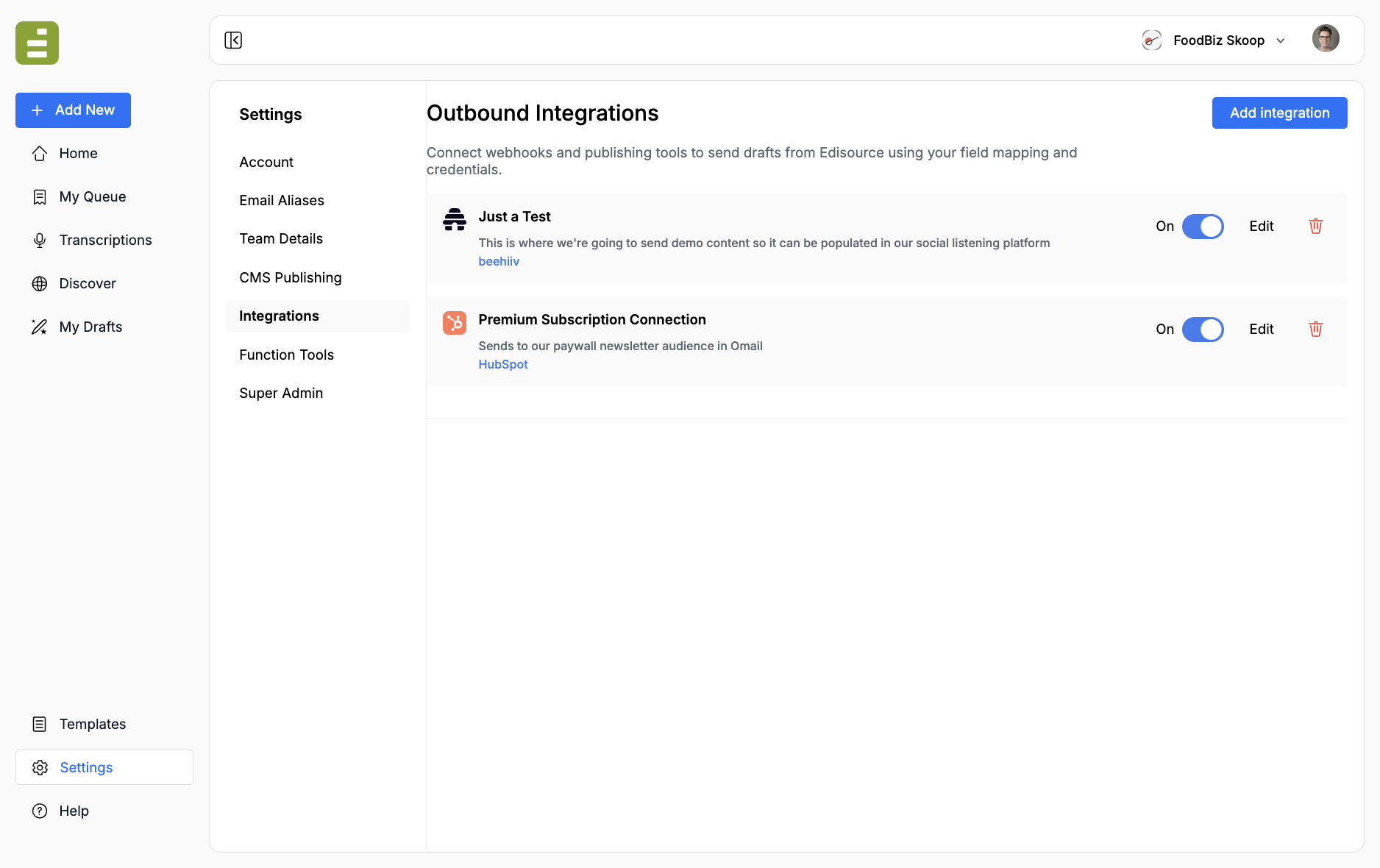
| Outbound integrations | Settings → Integrations | Edisource → your endpoint or SaaS | POST JSON to a webhook, Zapier, Airtable, HubSpot, beehiiv, Omeda, or a proprietary API you own |
Which track to use
Section titled “Which track to use”Use CMS publishing when the destination is a content management system and the output is a post. Editors publish from My Queue or Content Studio. The CMS handler maps title, body, excerpt, featured image, SEO fields, and XML tags onto that platform’s API. Start from Connect a CMS, then open the page for your platform.
Use a custom integration when the destination is not a CMS, or when you need a payload you control:
- A publisher-built database, index, or workflow that lives behind HTTPS
- Zapier, Airtable, HubSpot, beehiiv, Mailchimp, or Omeda
- Any endpoint that accepts
Content-Type: application/json
You choose which story fields to send, rename them to match the destination, and map XML tags from a template onto extra JSON keys.
Use content fetching when the Agent should look up your existing archive — for example, “has this newsroom already covered this company?” That is a read-only schema, not a publish path. See Content fetching.
Use a function tool when Jo should call your API while it is still writing — a quote, a filing, a catalog lookup — rather than when an editor publishes. See Function tools.
Who can set this up
Section titled “Who can set this up”CMS Publishing, Integrations, and Function Tools are org-admin pages. Ask an Edisource administrator if you cannot see them.
Typical split:
- IT / ops: credentials, endpoints, auth, field mapping, XML mapping, archive schema
- Editorial: templates that emit the XML tags, plus the actual publish click from queue or studio
Keep those two jobs separate. The template writes <pullquote>…</pullquote>. The integration maps pullquote → pull_quote on the outbound JSON.
Security
Section titled “Security”- Tokens, application passwords, and API keys are encrypted at rest and decrypted only on the publish path
- After save, the UI shows a mask, not the secret
- Custom webhooks must be HTTPS
- Integrations and CMS credentials are scoped to the organization
- Prefer a dedicated service account on the destination (WordPress application password, Ghost Admin API key, Airtable PAT) rather than a personal login
- Connect a CMS if you publish into Ghost, WordPress, Drupal, Brightspot, or Parameter1
- Custom integrations if you POST to your own API or a SaaS tool
- Payloads and XML tags to shape the JSON your endpoint receives